Most web studios don't lose clients over design decisions — they lose them over reliability. A renewal reminder system is one of the simplest, highest-impact processes a studio can put in place, and it doesn't require much to get started.
Step 1: Inventory Everything That Expires
Before building any reminders, list every recurring deadline a client relationship depends on:
- Domain registration
- SSL certificates
- Hosting plans and payment cycles
- CMS, theme and plugin licenses
- Third-party subscriptions (email tools, form plugins, page builders)
- Scheduled maintenance or content update windows
It's common to discover, during this exercise, services nobody had been actively tracking at all.
Step 2: Attach Each Item to a Client Record
Reminders are only useful if they're organized by client, not just by date. A flat list of "things expiring this month" is harder to act on than "here's everything Client X needs renewed, in one place."
Step 3: Define Reminder Windows
A single reminder is rarely enough. A reasonable default:
- 30 days out — plenty of time to plan, especially for anything requiring client approval or payment
- 14 days out — a stronger nudge if nothing has happened yet
- 3-7 days out — urgent, action-required alert
Step 4: Assign Ownership
Every reminder needs an owner — someone who is responsible for acting on it, not just someone who receives an email. In small studios this might be one person; in larger ones, it should be tied to whoever manages that client relationship.
Step 5: Automate It
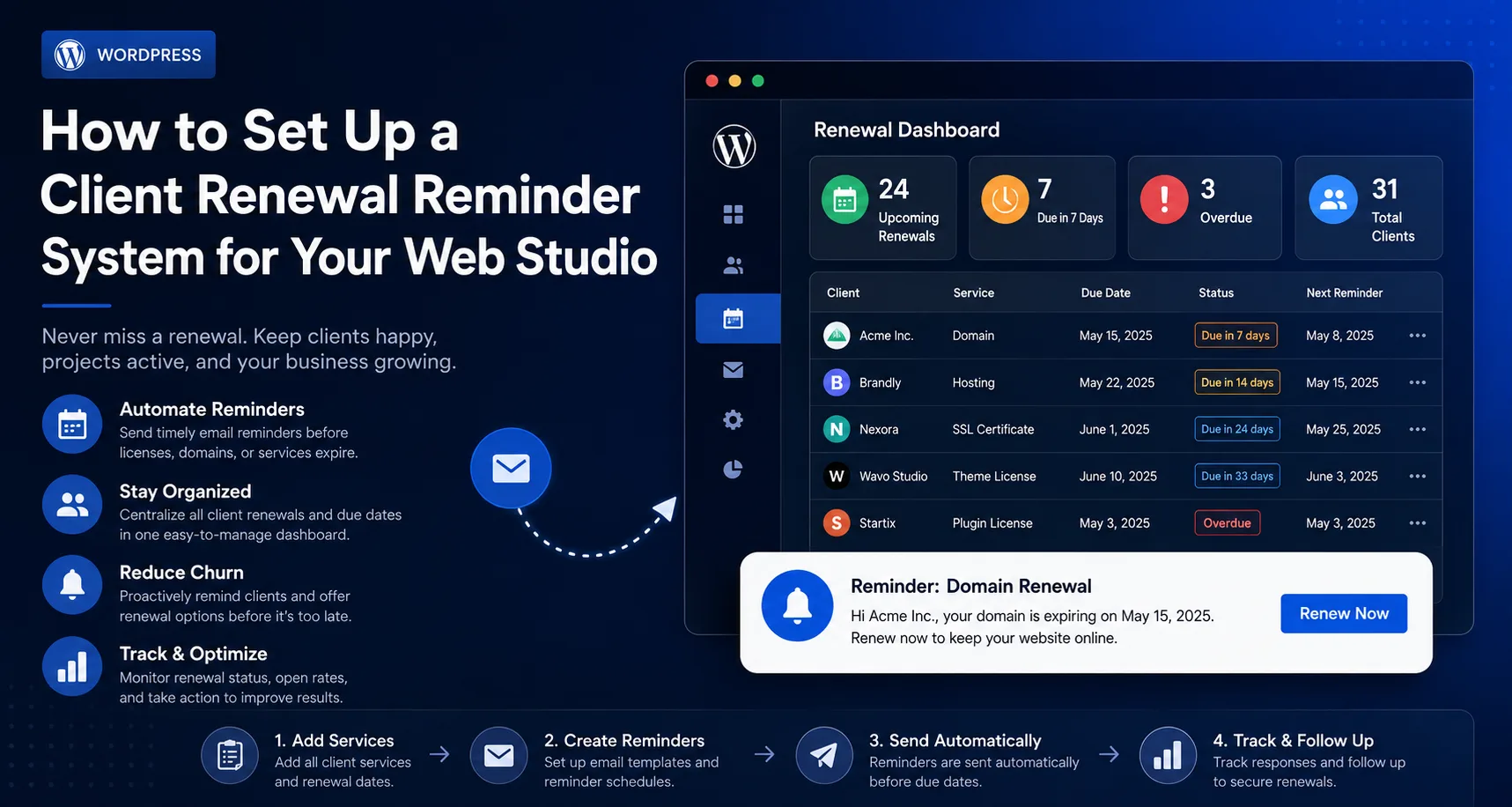
Manually re-checking dates every week doesn't scale, and it's the first process to slip when the team gets busy. This is where a dedicated tool pays for itself. Duvento lets studios add clients once, list their domains, SSL certificates, hosting and licenses under each one, and receive automated reminders before anything becomes urgent — replacing a manual weekly check with a system that runs on its own.
Step 6: Review Periodically
Even with automation, a monthly glance at the full renewal calendar is worth the five minutes it takes — it catches anything added incorrectly or any client relationship that changed.
The Bottom Line
A renewal reminder system doesn't need to be complicated to be effective. What matters is that it's centralized, has multiple reminder windows, has clear ownership, and doesn't depend on anyone's memory.