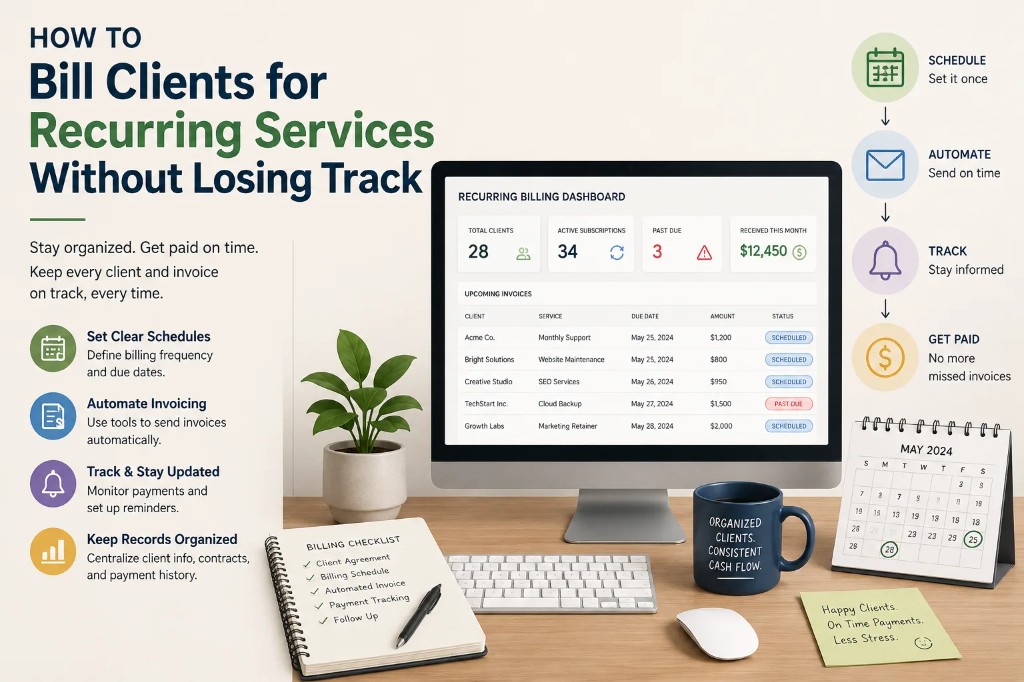

Hosting renewals sound simple until an agency is managing them across 30, 50, or 100 client accounts, spread across different hosting providers, with different billing cycles and different payment methods. Here's a practical checklist for keeping it under control.
1. Know Who Owns the Hosting Account
Before anything else, document who actually pays for hosting on each client site:
- The agency, billed directly and passed through to the client
- The client, paying the host directly, with the agency managing the account
- A reseller hosting plan the agency controls entirely
Mixed ownership across clients is one of the most common sources of confusion — and missed renewals.
2. Record the Real Renewal Date and Cycle
Hosting plans can renew monthly, annually, or even every two years. Note the actual cycle per client, not an assumed default — a mix of monthly and annual clients is easy to lose track of.
3. Check Payment Method Validity
A surprising number of hosting lapses happen not because nobody remembered, but because the card on file expired. Where possible, verify payment methods are current as part of a periodic review, not just when a renewal fails.
4. Track Resource Limits, Not Just Dates
Some hosting plans lapse in a different way: a client outgrows their plan's storage, bandwidth or traffic limits and the site starts throttling or erroring out. Treat resource-limit reviews as part of the same recurring checklist as renewal dates.
5. Set Reminders Before the Renewal, Not After a Failure Notice
Waiting for a "your hosting has expired" email is reactive by definition. A reminder 14-30 days ahead gives time to confirm payment, resolve a card issue, or discuss a plan upgrade with the client before it becomes urgent.
6. Document Access Credentials Securely
When a renewal does need action, the team member handling it needs access — hosting panel login, domain registrar, or billing portal. Keep this documented (securely) per client so renewal isn't blocked by "who has the password."
7. Centralize Hosting Alongside Domains, SSL and Licenses
Hosting rarely expires in isolation — it's one piece of a client's full renewal picture, alongside their domain, SSL certificate and any plugin licenses. Tracking it separately from those makes it easy to miss the bigger picture. Duvento keeps hosting, domains, SSL certificates and licenses together under each client, with reminders that cover all of them from one dashboard.
The Bottom Line
Hosting renewals are rarely dramatic on their own — until the day a site goes down over an unpaid invoice nobody caught in time. A simple, repeatable checklist closes that gap.